
CLINK

Outline
CLINK is a gamified, AI-powered finance app designed to help young adults aged 18–25 build healthier financial habits. It simplifies saving and investing by turning financial actions into interactive experiences, addressing common challenges like low financial literacy, lack of motivation, and the intimidation of traditional finance tools.
Team: Alt+Tab
Story
Clink began with a simple question: What if managing money felt supportive and playful instead of stressful and intimidating?
As students living in NYC, we all experienced the same reality—funds running low, uncertainty about spending, and difficulty building consistent financial habits. These shared challenges revealed a larger problem: young adults want to manage their money better, but traditional finance tools often feel overwhelming and inaccessible.
Clink was created to address this gap.
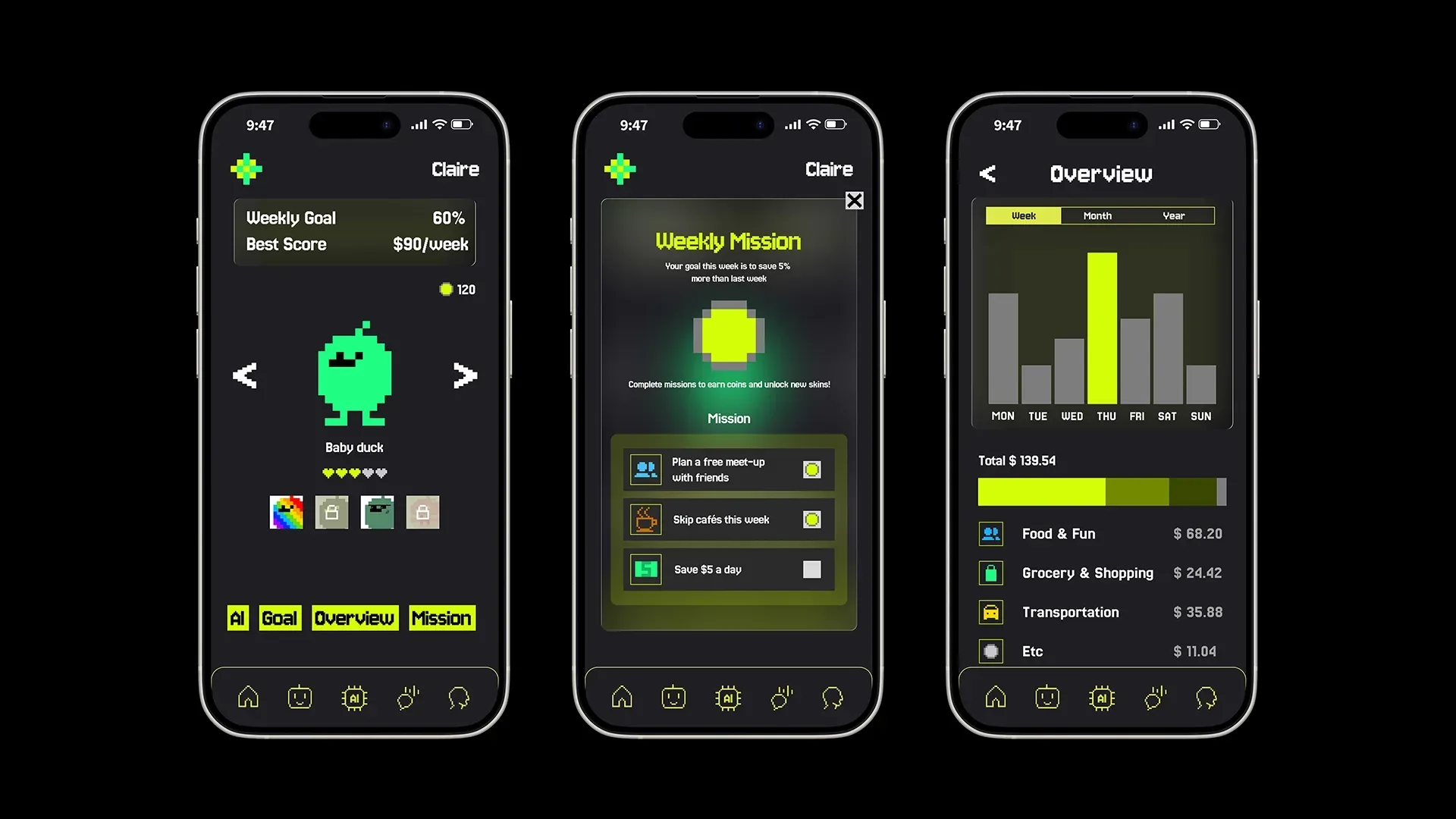
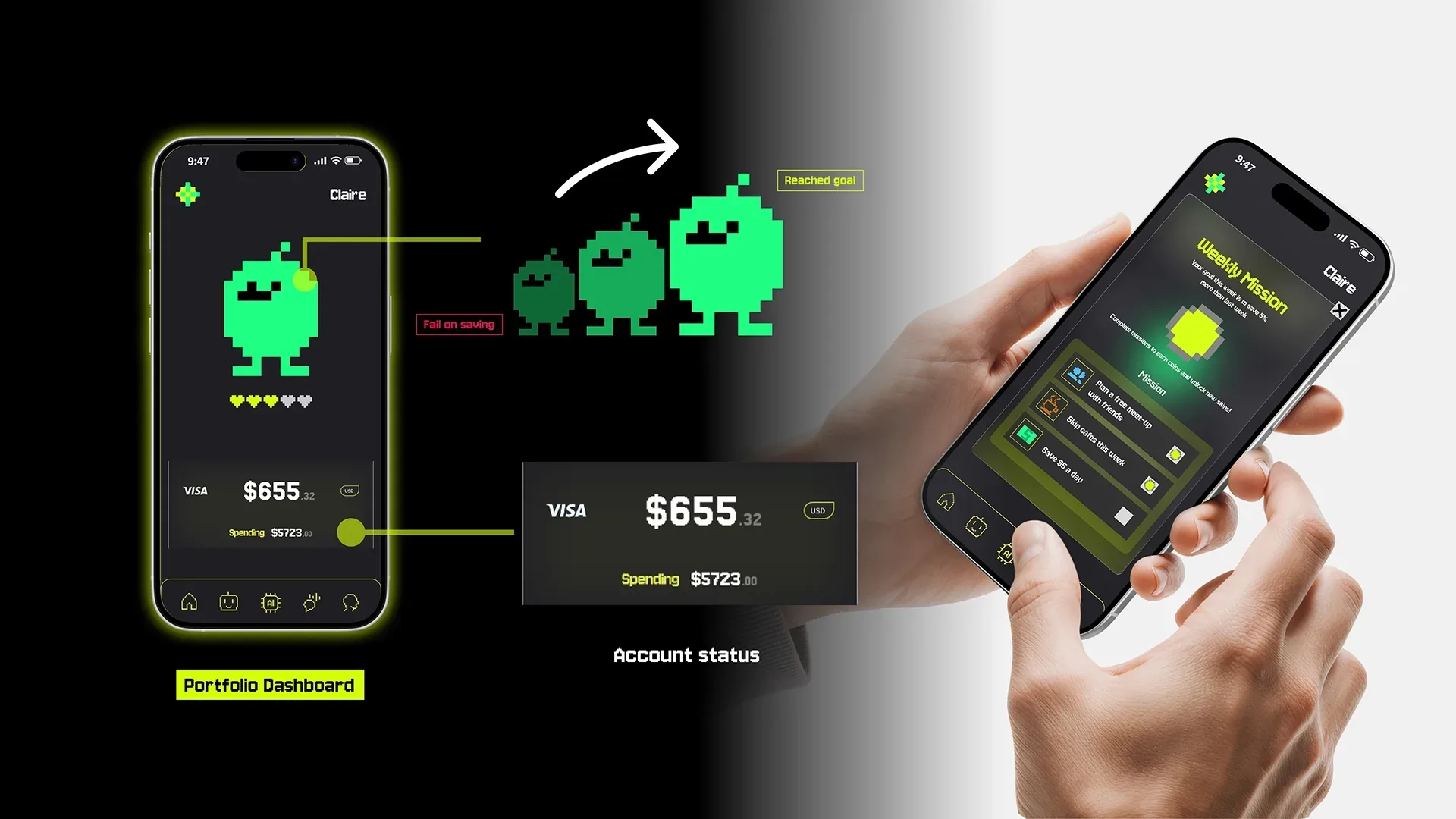
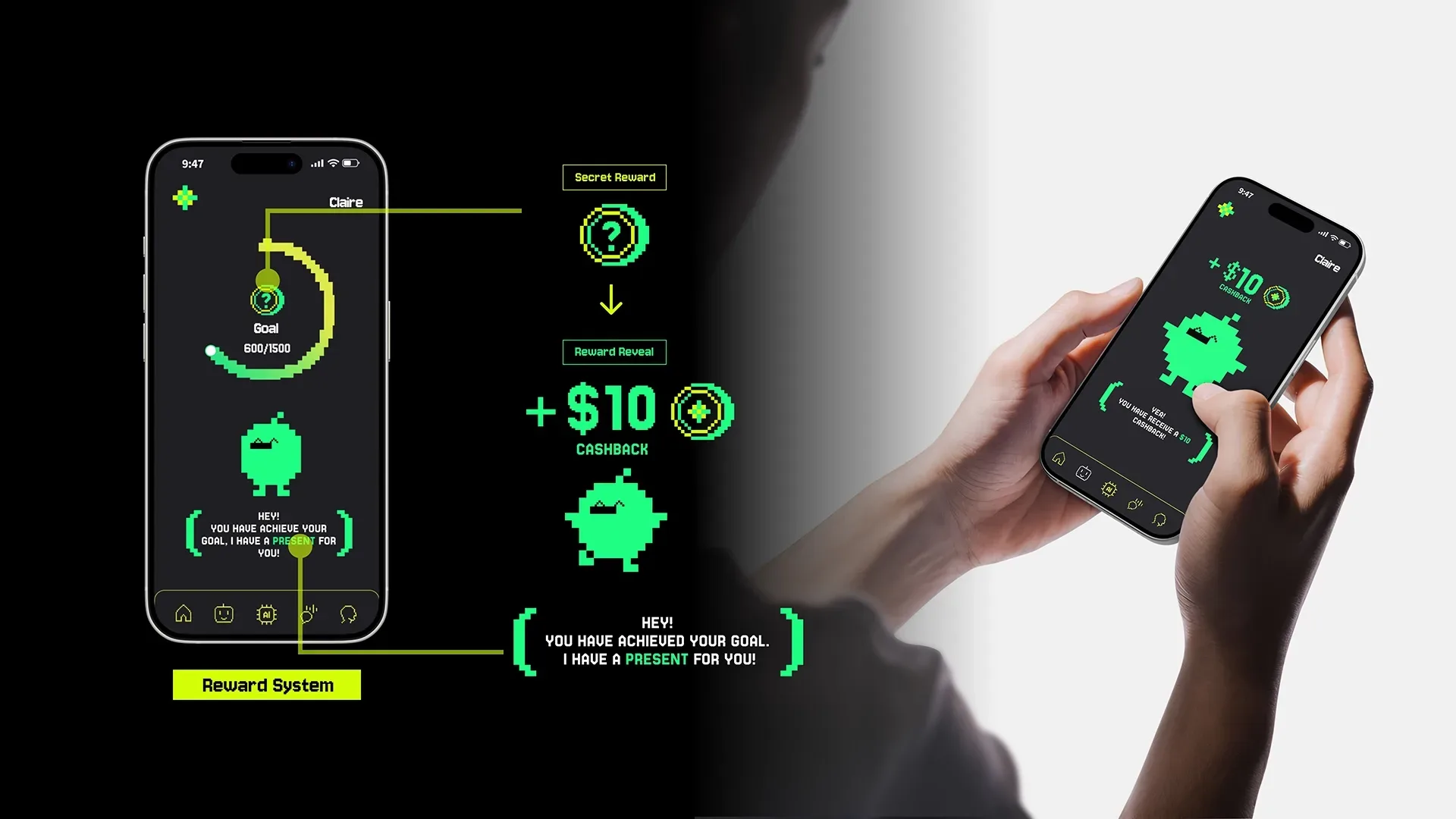
Clink began as a gamified finance app centered around a Tamagotchi-like avatar that grew over time as users saved. As the avatar reached certain milestones, it would “pop,” rewarding users with cashback and turning financial progress into something tangible and rewarding. This playful system helped users visualize their efforts and made saving feel engaging rather than intimidating.
As users returned and habits began to form, Clink evolved alongside them. Gamification expanded with levels, streaks, and rewards that encouraged consistency and celebrated small wins. Over time, user feedback made it clear that motivation alone wasn’t enough—users wanted deeper support that would make the app truly essential to their financial lives.
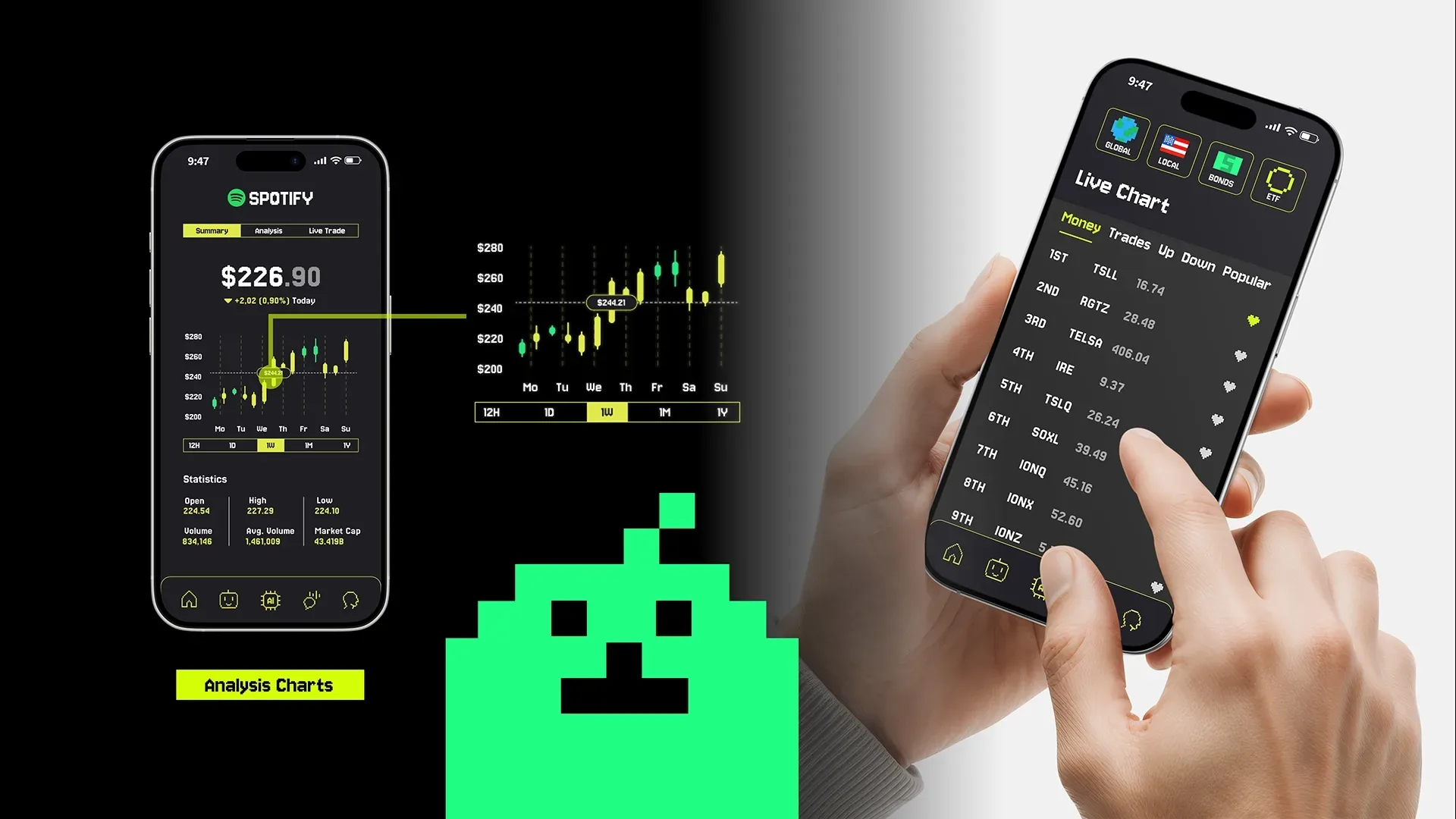
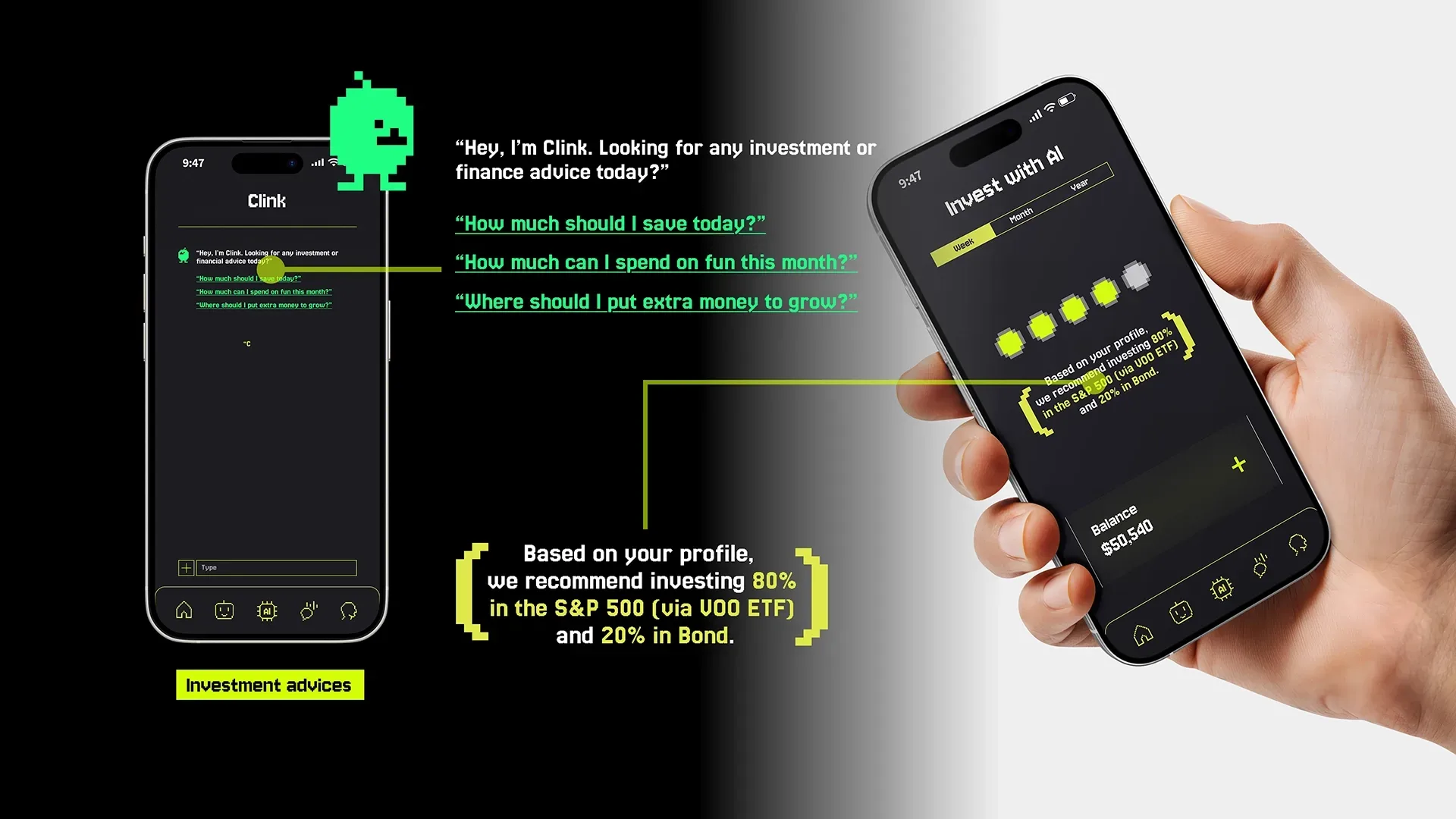
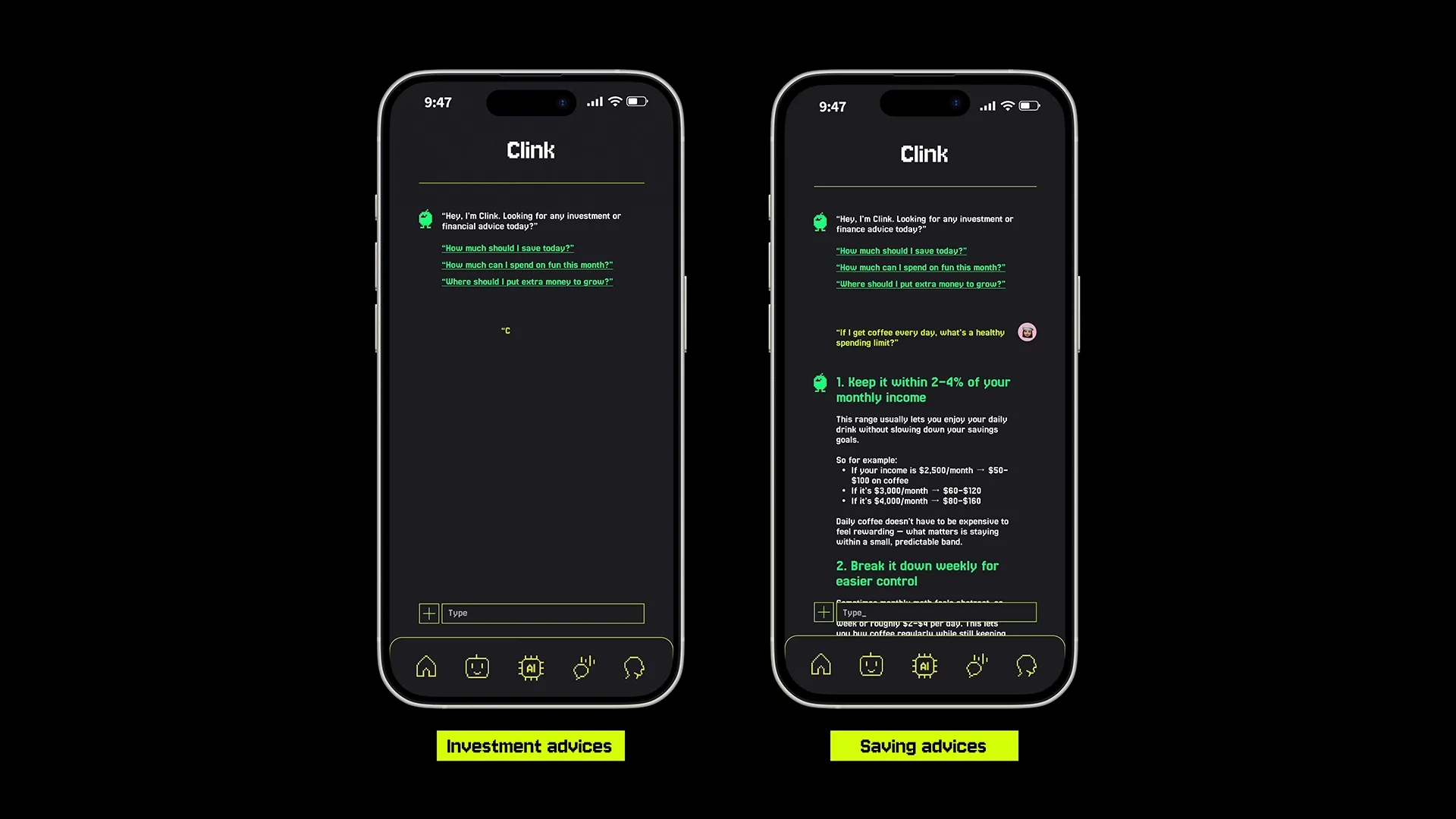
This insight led to the introduction of AI-powered investing. The AI added a supportive layer that offered personalized tips, explained financial concepts in approachable language, and guided users forward based on their comfort level and behavior. By doing so, Clink shifted from simply motivating good habits to actively supporting smarter financial decisions.
Over time, Clink grew beyond saving to include investing, framing it as a natural next step rather than a daunting leap. These features unlocked gradually, supported by AI that adapted as users’ confidence increased. What emerged was more than a finance app—it became a journey. Clink tells a story of growth, where small actions compound into lasting change, guided by play, technology, and trust.
What We Did
Media